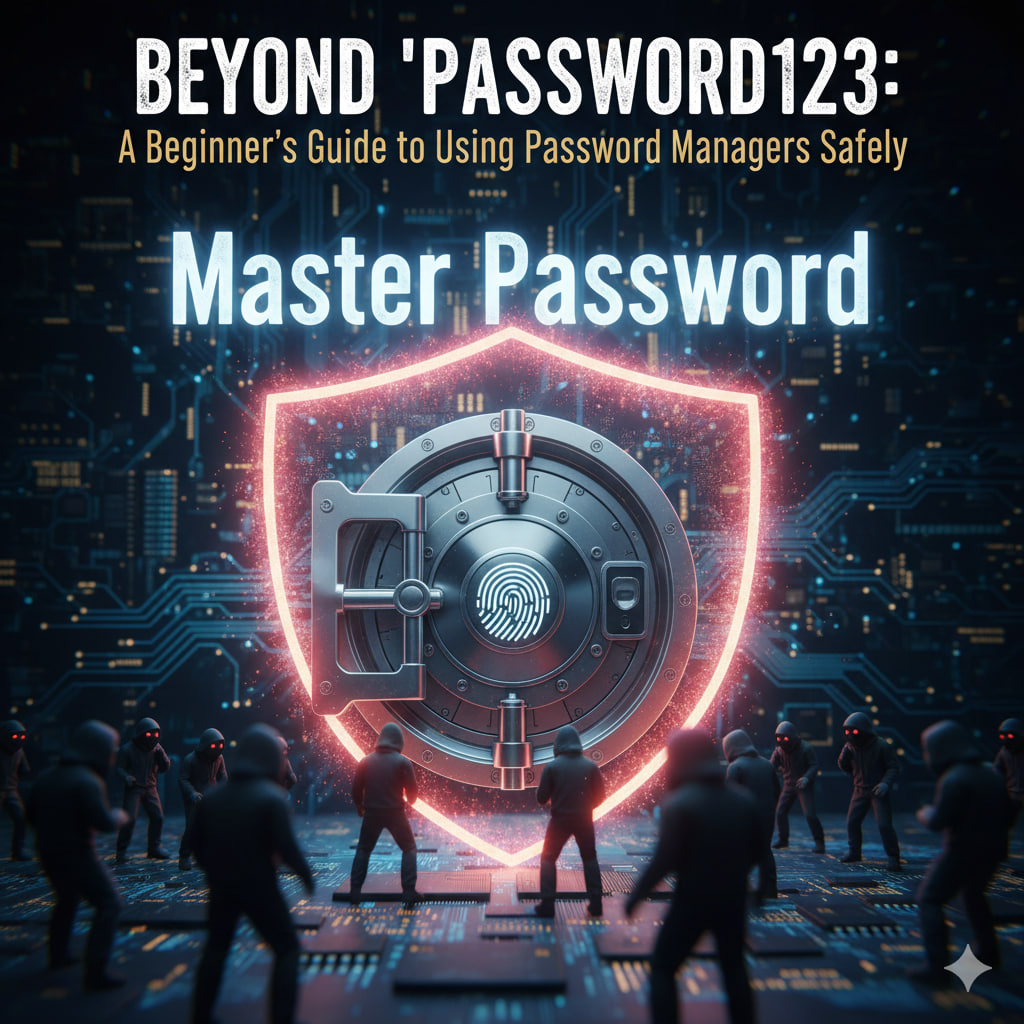
The average person has over 100 digital accounts. Trying to remember a unique, strong password for each is a mathematical impossibility for the human brain. This leads to the most dangerous habit in tech: password reuse. A password manager is your “Digital Vault.” It memorizes everything so you don’t have to, while simultaneously making you nearly impossible to hack. Here is how to set one up safely in 2026.
1. Choose Your Vault
Not all managers are created equal. In 2026, the industry is split into three main types:
- Dedicated Managers (Top Tier): Tools like 1Password, Bitwarden (Open Source), and NordPass offer the highest security features and work across every device (phone, laptop, tablet).
- Browser-Based: Google Password Manager or Apple Passwords are convenient and free, but they can be less flexible if you switch between a Mac at home and a PC at work.
- Privacy-First: Services like Proton Pass focus heavily on encryption and keeping your data away from big tech.
2. The Golden Rule: The “Master Password”
Since the manager holds all your keys, the “Master Password” used to open the vault is the most important secret you own.
- Forget “Complexity”: Don’t use
Tr0ub4dor&3. It’s hard to remember and easy for a computer to guess. - Embrace “Length”: Use a Passphrase. A string of 4–5 random words is statistically harder to crack and easier to remember.
- Example:
correct-horse-battery-stapleorblue-elephant-dances-at-midnight.
- Example:
- The Emergency Sheet: Write this password down on a physical piece of paper and hide it in a safe place. If you forget this, no one (not even the company) can recover your data.
3. Enable the “Deadbolt” (MFA)
Even if someone steals your Master Password, you can stop them with Multi-Factor Authentication (MFA).
- How it works: After entering your password, the vault asks for a second “key”—usually a code from an app like Google Authenticator or a biometric scan (FaceID/Fingerprint).
- Pro Tip: For the highest security in 2026, use a physical Security Key (like a YubiKey) that plugs into your USB port.
4. Let the Manager Work for You
Once set up, stop making up your own passwords.
- Generate, Don’t Create: Use the built-in “Generate Password” tool for every new account. It will create gibberish like
v9#kL!2pZ*q7, which is perfect because you’ll never have to type it—the manager will Autofill it for you. - Audit Your Past: Most managers have a “Security Dashboard” that will flag accounts where you are still using weak or reused passwords. Change one a day until your score is 100%.
Is it really safe?
While no system is 100% unhackable, password managers use Zero-Knowledge Encryption. This means your passwords are scrambled before they leave your device. Even if the password manager company is hacked, the thieves only get encrypted “noise” that they can’t read without your Master Password.
The Verdict: Being in a password manager with a strong Master Password makes you 99% more secure than the average internet user.