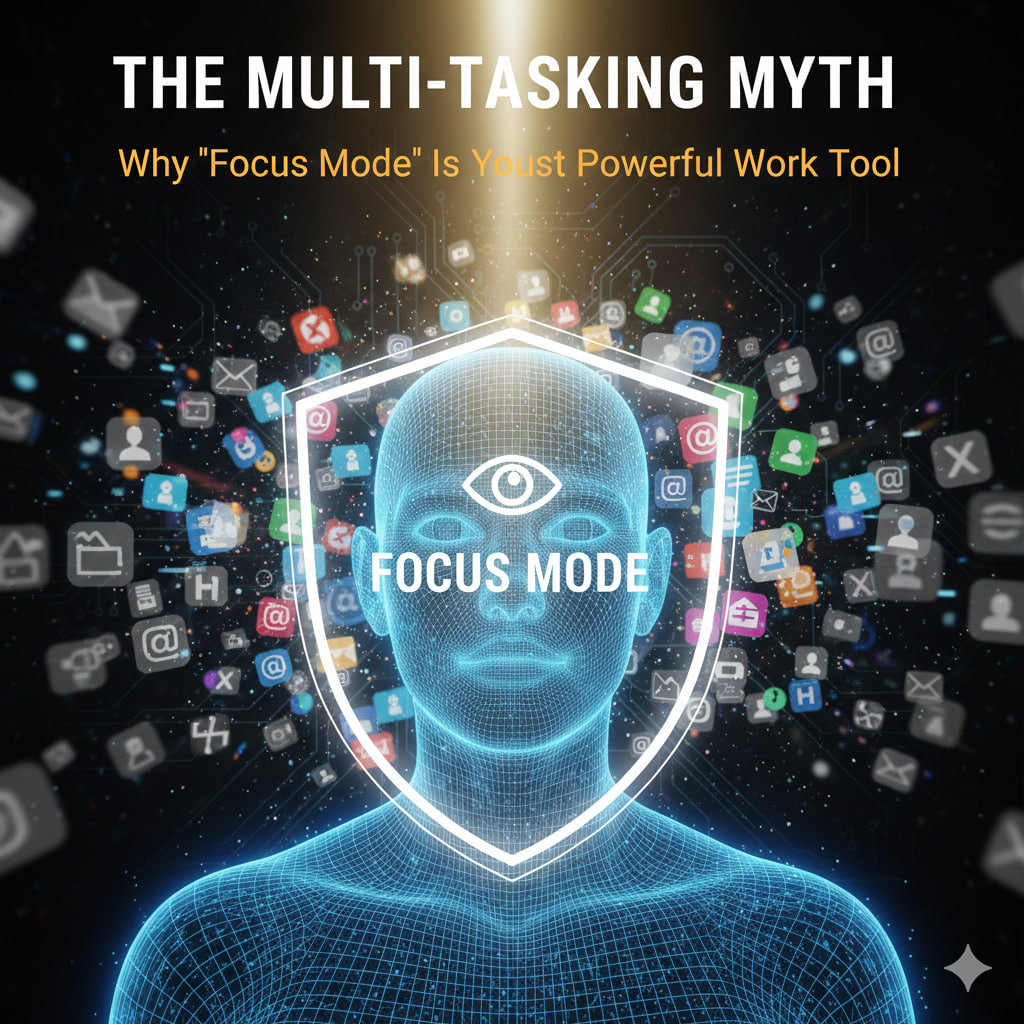
We’ve been sold a lie: that the more windows we have open, the more “productive” we are. In reality, the human brain isn’t built to multitask; it’s built to context switch. Every time you glance at a Slack notification or a “quick” text, your brain takes an average of 23 minutes and 15 seconds to return to original deep focus.+1
By leveraging “Focus Mode,” you aren’t just silencing pings—you’re protecting your cognitive resources.
🧠 The Science: Focus vs. Context Switching
When you juggle tasks, your brain experiences “attention residue.” A part of your mind stays stuck on the previous task, making you slower and more prone to errors.+1
🛡️ How to Deploy Focus Mode Effectively
Most modern operating systems have built-in tools that act as a digital bodyguard. Here is how to use them:
1. The “Whitelisted” Contact List
Focus mode doesn’t mean being unreachable.
- The Hack: Set up a profile that silences all apps except for specific “Emergency” contacts (like your spouse or a direct manager). This removes the anxiety of “What if someone needs me?” while blocking out the noise of group chats.
2. Automatic Activation (The Ritual)
Don’t rely on your willpower to turn it on.
- The Hack: Schedule Focus Mode to trigger automatically based on Time (e.g., 9:00 AM to 11:00 AM) or Location (e.g., when you arrive at your office or “Work” Wi-Fi).
3. Visual Minimalism
Focus Mode isn’t just about sound; it’s about what you see.
- The Hack: Configure your Focus profile to hide “Notification Badges” (those little red dots). Seeing a red “5” on your email icon triggers a dopamine-seeking urge to click, even if the sound is off.
🛠️ Where to Find Your “Focus”
- iOS/macOS: Go to Settings > Focus. Create custom profiles like “Deep Work” or “Writing.”
- Windows 11: Open Settings > System > Focus. Use the “Focus Session” feature in the Clock app to integrate a Pomodoro timer.
- Android: Go to Settings > Digital Wellbeing > Focus Mode. You can select specific “distracting apps” to grey out and lock during work hours.
The Result: Deep Work
When you stop the constant “ping-pong” of notifications, you enter a state of Flow. This is where your best work happens—the kind of work that takes 2 hours of focused time instead of 6 hours of distracted time.
Key Takeaway: Productivity isn’t about doing more things; it’s about doing one thing without interruption.
Leave a Reply