For years, we’ve been treated to a library of “battery myths” born from the era of old nickel-based batteries. But it’s 2026, and the Lithium-Ion (Li-ion) and Lithium-Polymer (Li-Po) cells in your smartphone, laptop, and EV operate on entirely different physics.
If you’re still draining your phone to 0% or leaving it plugged in all night without the right settings, you are actively killing your device’s lifespan. Here is the modern science of battery health.
1. The “Golden Range”: The 20-80 Rule
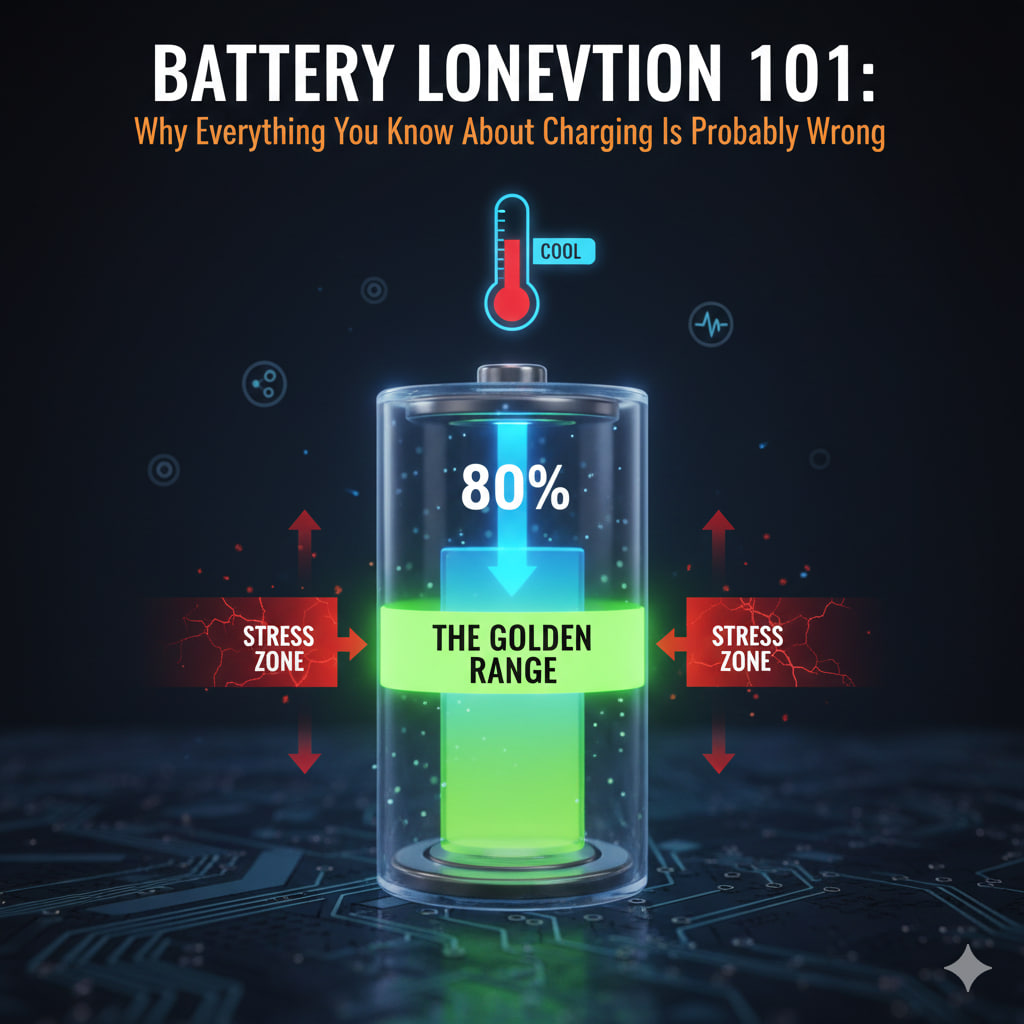
The biggest misconception is that batteries like to be “full.” In reality, Lithium-ion batteries are under the most physical stress when they are at 100% or 0%. Think of it like a rubber band: it’s most comfortable when it’s relaxed in the middle, not stretched to its limit.
- The Science: Charging to 100% increases the “voltage stress” on the battery chemistry.
- The Fix: Try to keep your battery between 20% and 80%. In 2026, most OS settings (iOS, Android, Windows) have a “Limit Charge to 80%” toggle. Enable it. This can nearly double the number of charge cycles your battery can survive.
2. Heat is the “Silent Killer”
Fast charging is convenient, but it generates immense heat. Heat causes the internal structure of the battery to degrade.+1
- The Red Flag: Using your phone for gaming or high-intensity video editing while it’s on a fast charger.
- The Fix: If your phone feels hot to the touch, unplug it. Avoid cheap, off-brand “super chargers” that don’t have proper thermal regulation. Slow charging overnight is actually better for longevity than blasting it with 100W of power.+1
3. The “Full Cycle” Myth
You do not need to “calibrate” modern batteries by draining them to 0%. In fact, deep discharges are the fastest way to cause permanent capacity loss.
- The Science: Modern batteries count a “cycle” as a total of 100% discharge, regardless of how many sessions it takes. (Charging from 50% to 100% twice equals one cycle).
- The Fix: Charge in “snacks,” not “meals.” Frequent, short top-ups are much better for the chemistry than one long, heat-inducing charge from empty to full.
4. Storage Secrets
If you’re going to leave a laptop or an old phone in a drawer for a few months, don’t leave it at 100% or 0%.
- The Fix: Power it down at roughly 50%. A battery stored at 0% can fall into a “deep discharge state” where it may never hold a charge again.
Battery Health Checkup (Where to find it)
| Device | Path to Settings | Feature to Enable |
| iPhone | Settings > Battery > Battery Health | Optimized Battery Charging |
| Android | Settings > Battery > Battery Protect | Limit to 80% |
| MacBook | System Settings > Battery | Optimized Charging |
| Windows | Surface/Laptop App (Manufacturer specific) | Smart Charging / Battery Limit |
The Bottom Line
In 2026, a well-treated battery should last 4–6 years before noticing significant degradation. A mistreated one will begin to fail in 18 months. By avoiding the “extremes” (0% and 100%) and keeping it cool, you’re saving yourself hundreds of dollars in replacement costs.
Key Takeaway: 80% is the new 100%.
Leave a Reply